01
Pick what to block.
Start with YouTube, Instagram, X, Reddit, TikTok or Netflix, add any of fourteen categories, or type any domain. Subdomains come with it. Add apps too — they close as soon as they start.

Steadfast blocks distracting websites and apps on your Mac. Pick what to block, choose how long — and once it starts, it holds. Even if you quit.
i was spending about 6 hours a day on x.
How it works
01
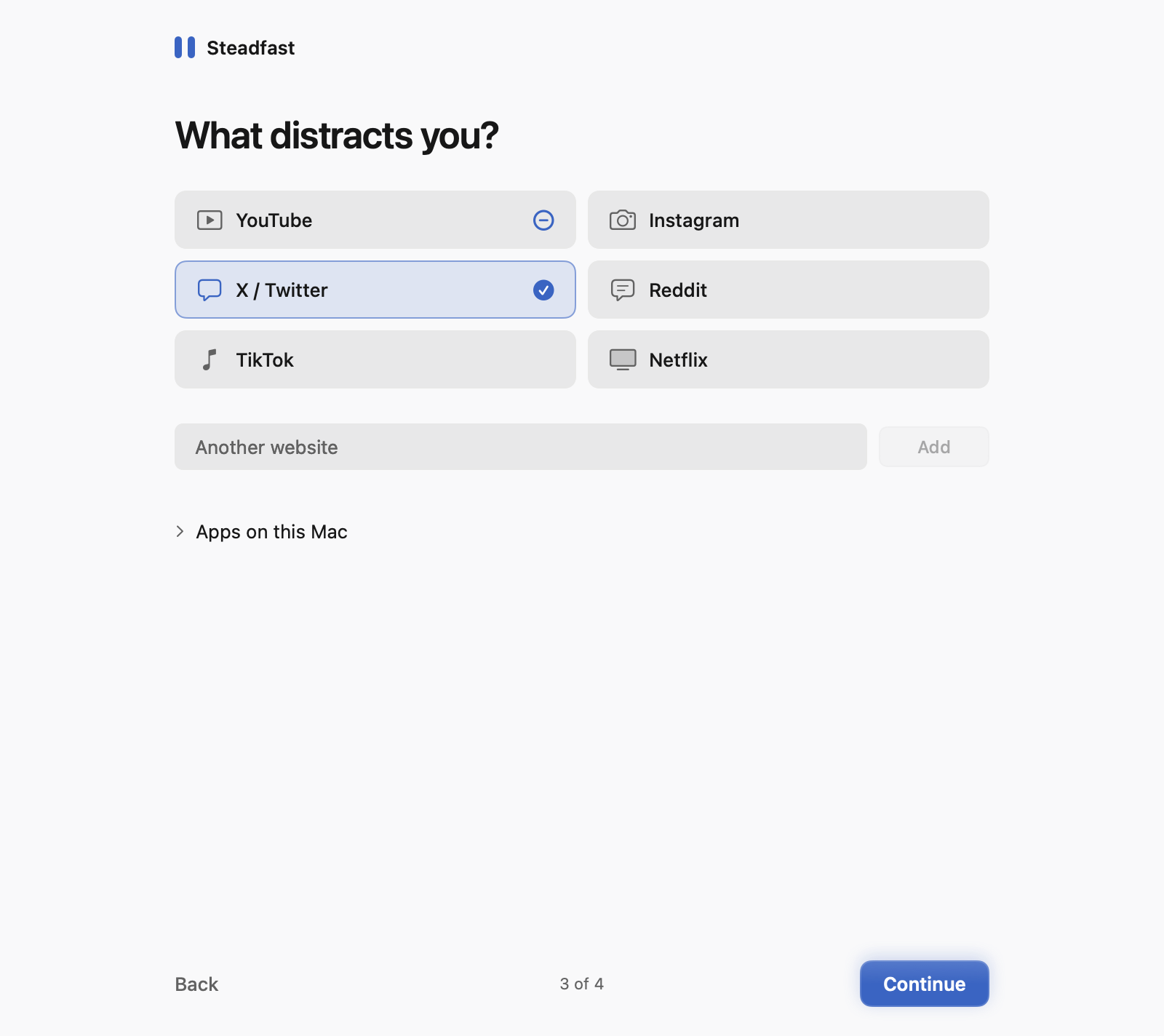
Start with YouTube, Instagram, X, Reddit, TikTok or Netflix, add any of fourteen categories, or type any domain. Subdomains come with it. Add apps too — they close as soon as they start.
02
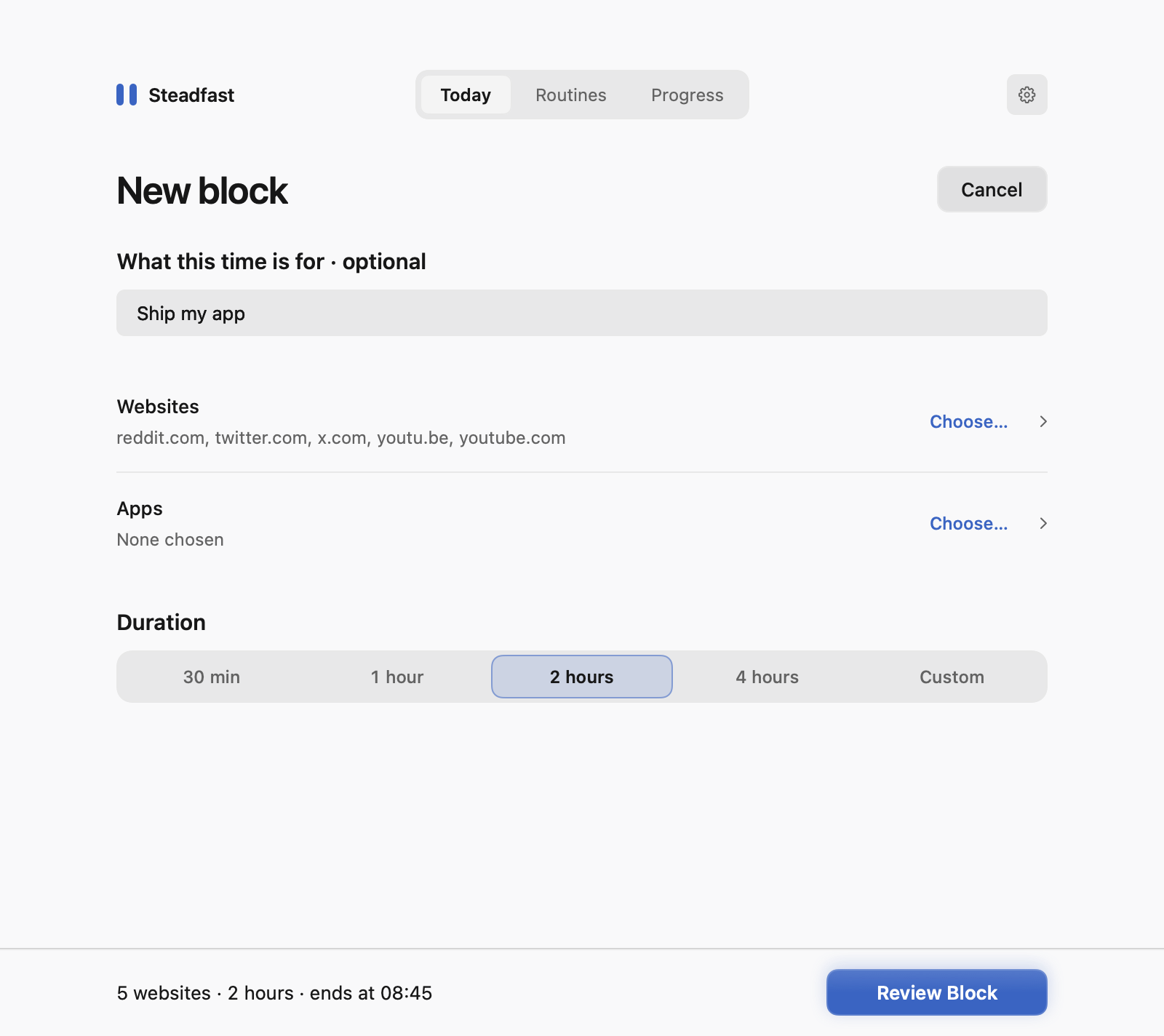
Thirty minutes, a few hours, or a custom length up to 365 days. Name what the time is for if you like — it stays in view while the block runs.
03
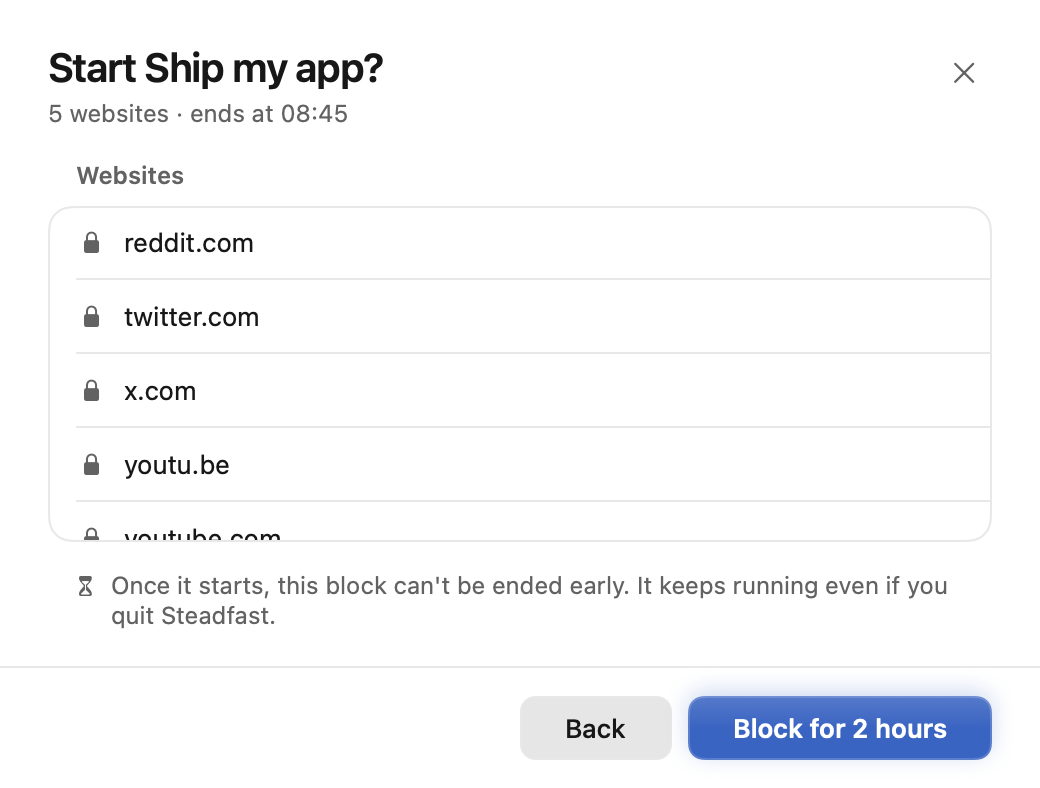
Review exactly what’s blocked and when it ends. Nothing starts until you press the button.
04
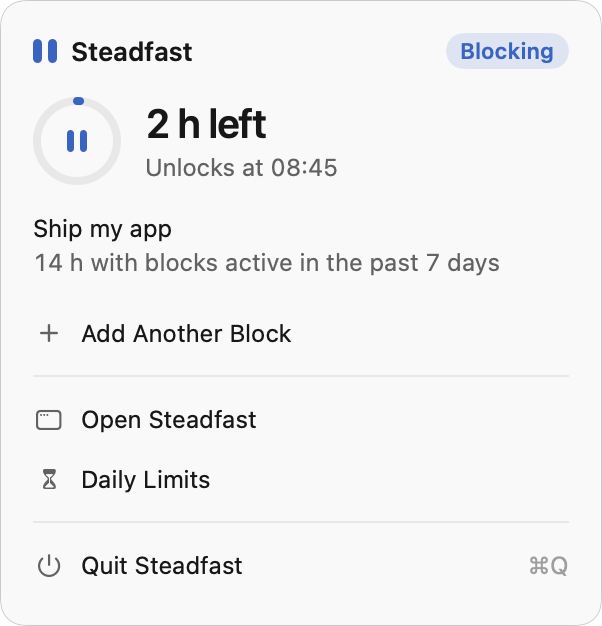
Your purpose and unlock time stay front and centre. Close the window — the block keeps running.
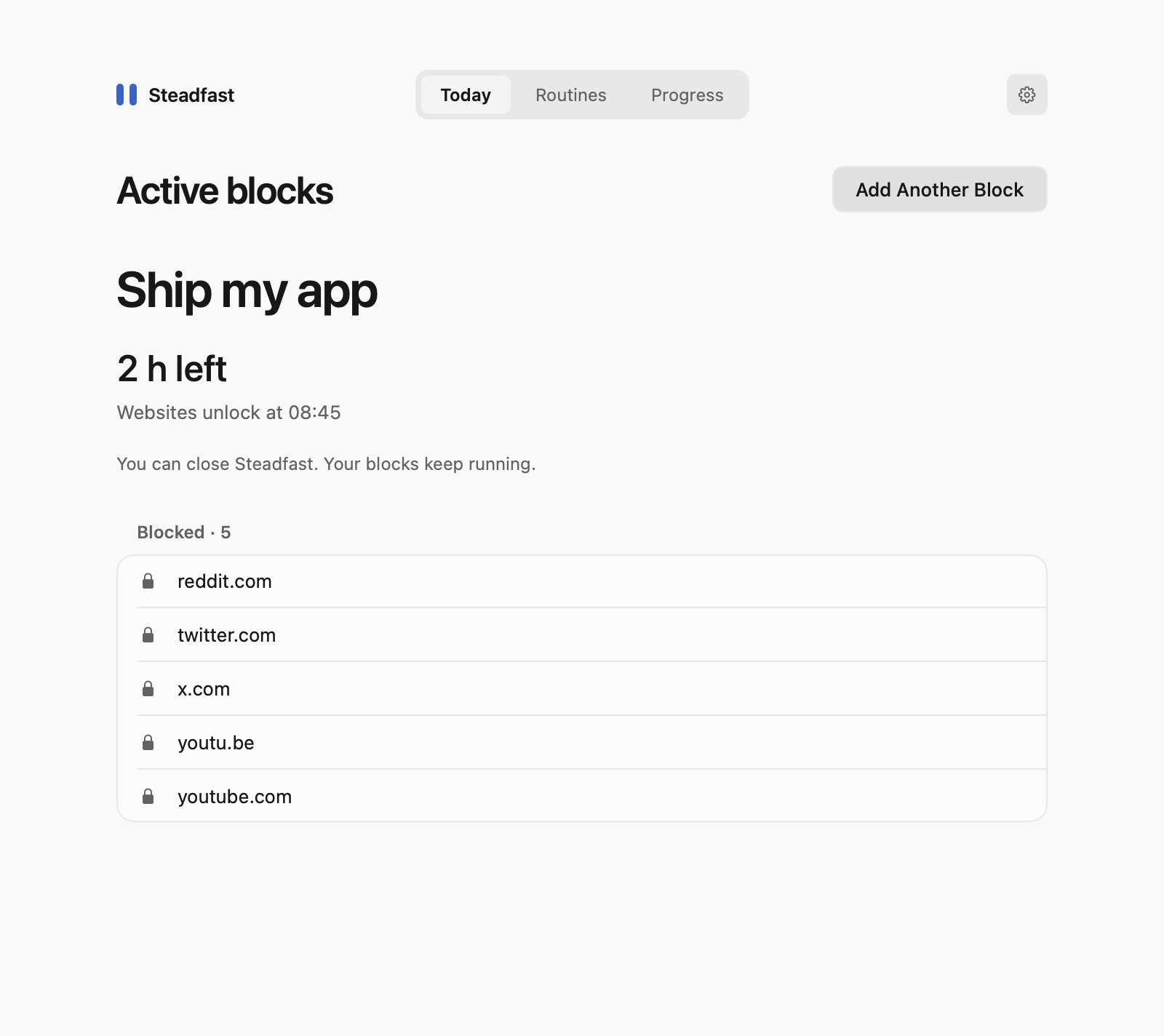
Once a block starts, you can’t pause it, shorten it or end it early in the app. It keeps working even if you quit — a separate background service holds your blocks and schedules, not the window.
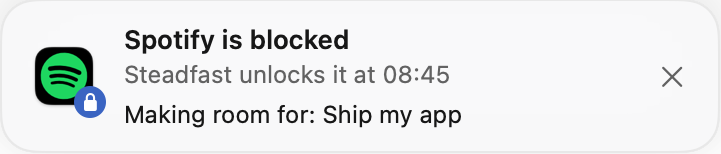
Blocked apps that are already open get ten seconds to save, then close. Later launches stop before the app’s own code runs.
Features
Give a site a daily budget. When it’s used up, the site is blocked until midnight — even if the app quits.
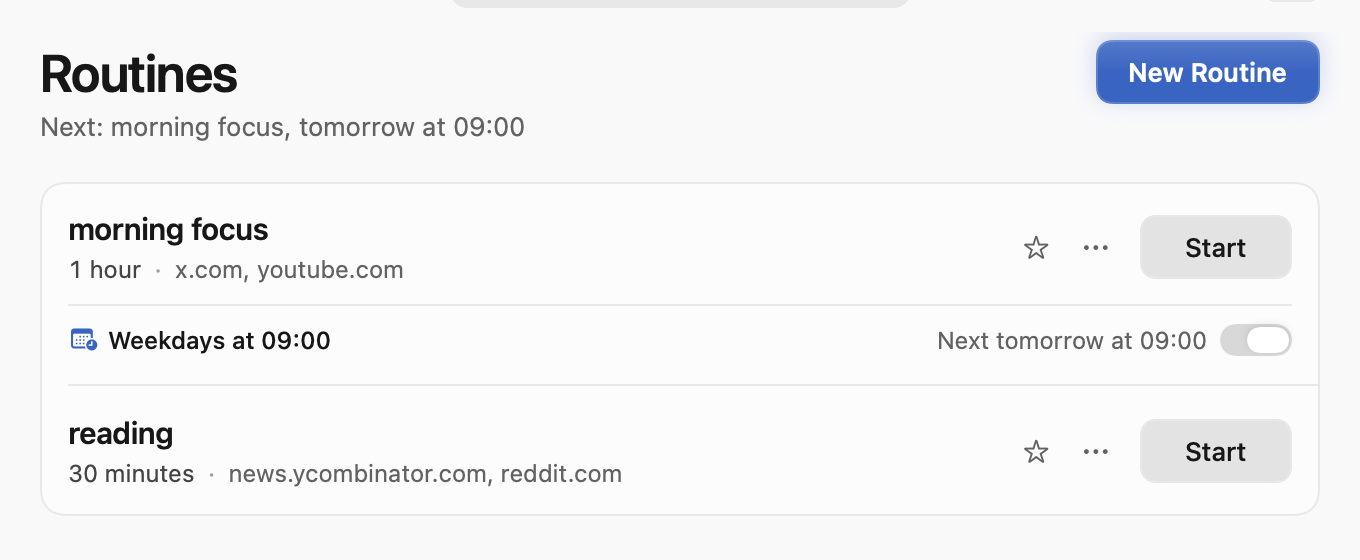
Save a setup and run it weekly. Scheduled blocks start with the window closed and resume after sleep.
Your choices and history stay on this Mac.
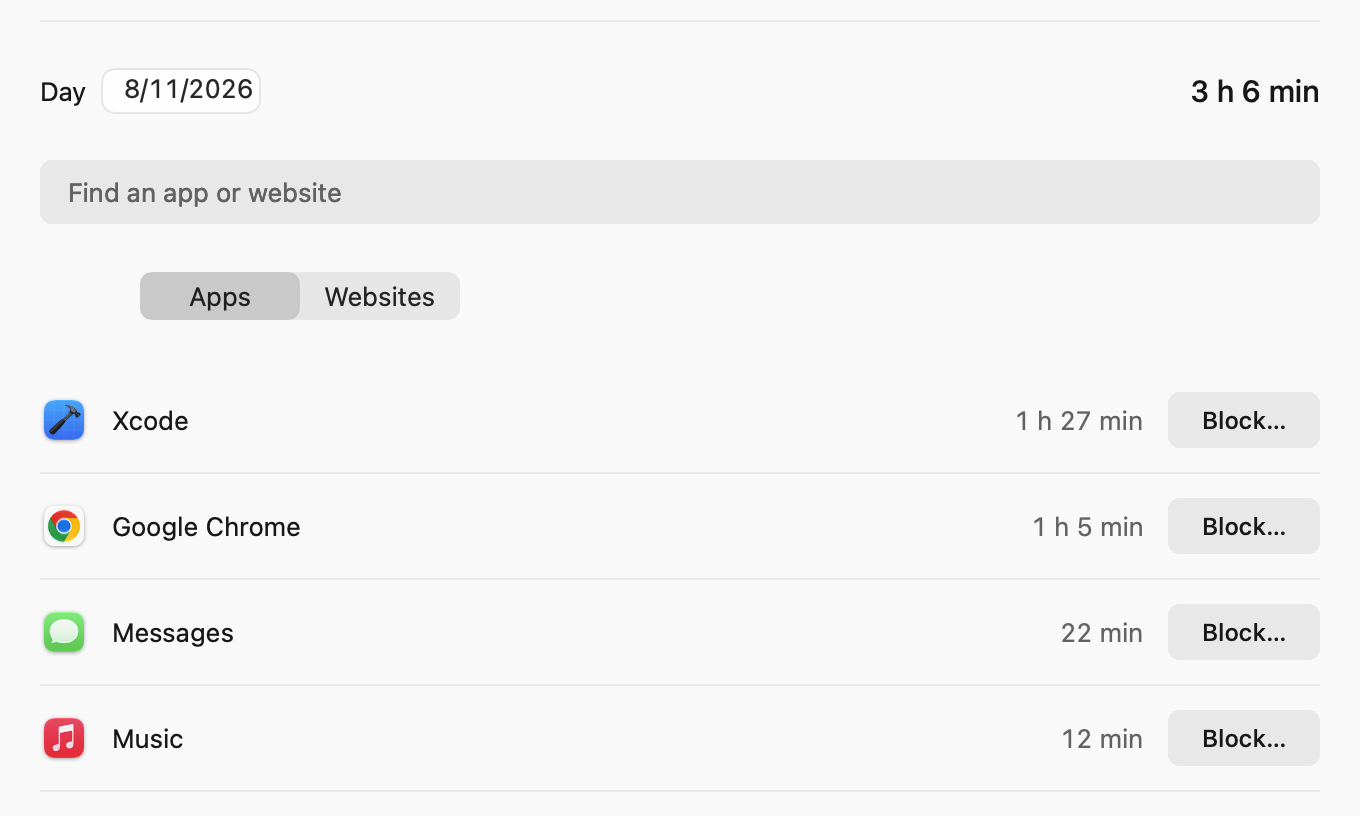
An optional local record of app and website time. No screenshots, page titles or full addresses — and nothing is uploaded.
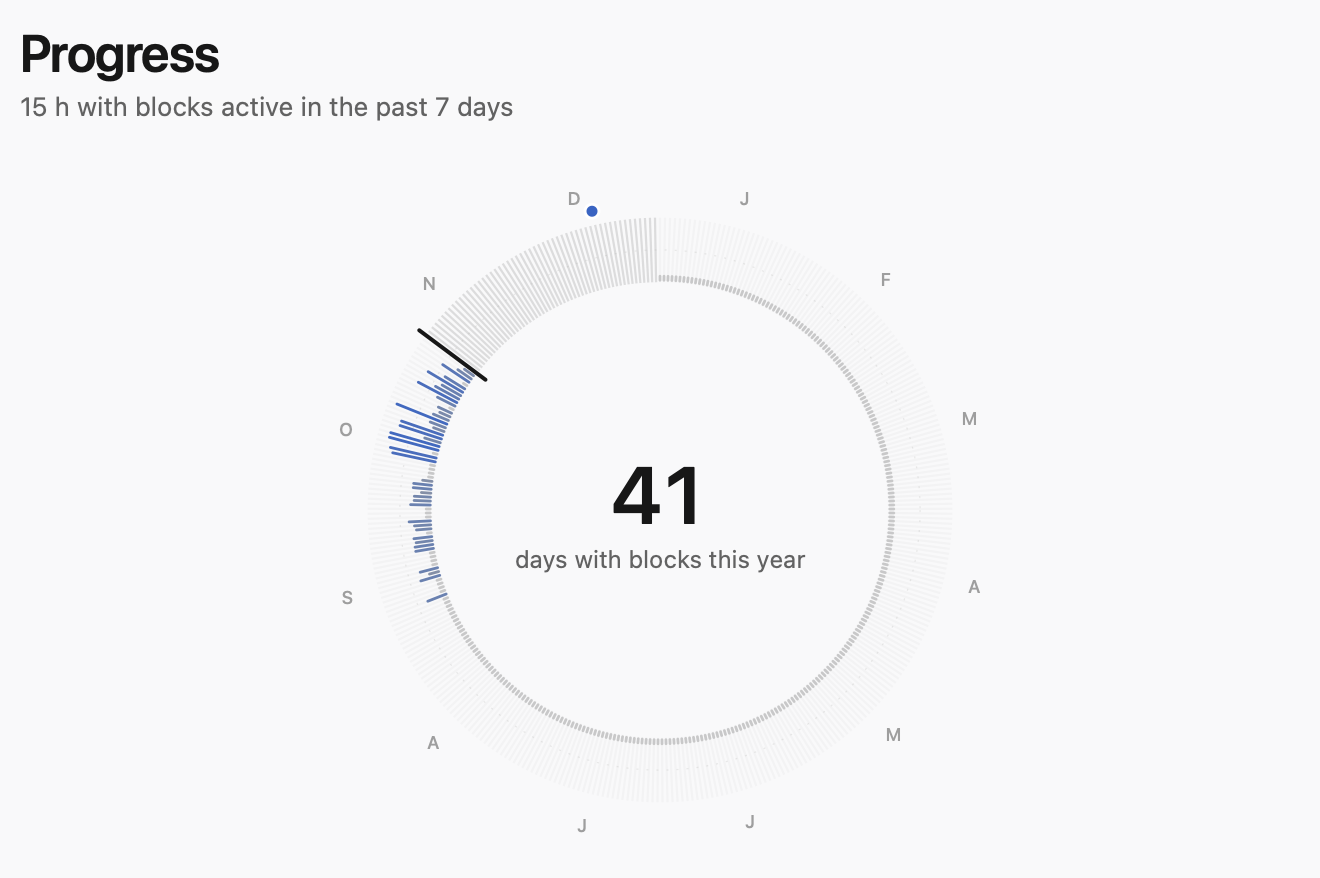
Progress draws the year as a ring of days with blocks. It counts coverage — not focus, and not time saved.
Reuse your last setup, start a favourite routine from the menu bar, or sync routines between Macs through a private shared folder.
Straight answers
Free and open source. Paste this into Terminal.
$ curl -fsSL https://github.com/kartikkabadi/steadfast/releases/latest/download/install.sh | /bin/bash
The installer verifies the download, then asks for administrator access to install the background service. The release uses a self-signed certificate and isn’t notarized by Apple — read the installer first if you prefer.